
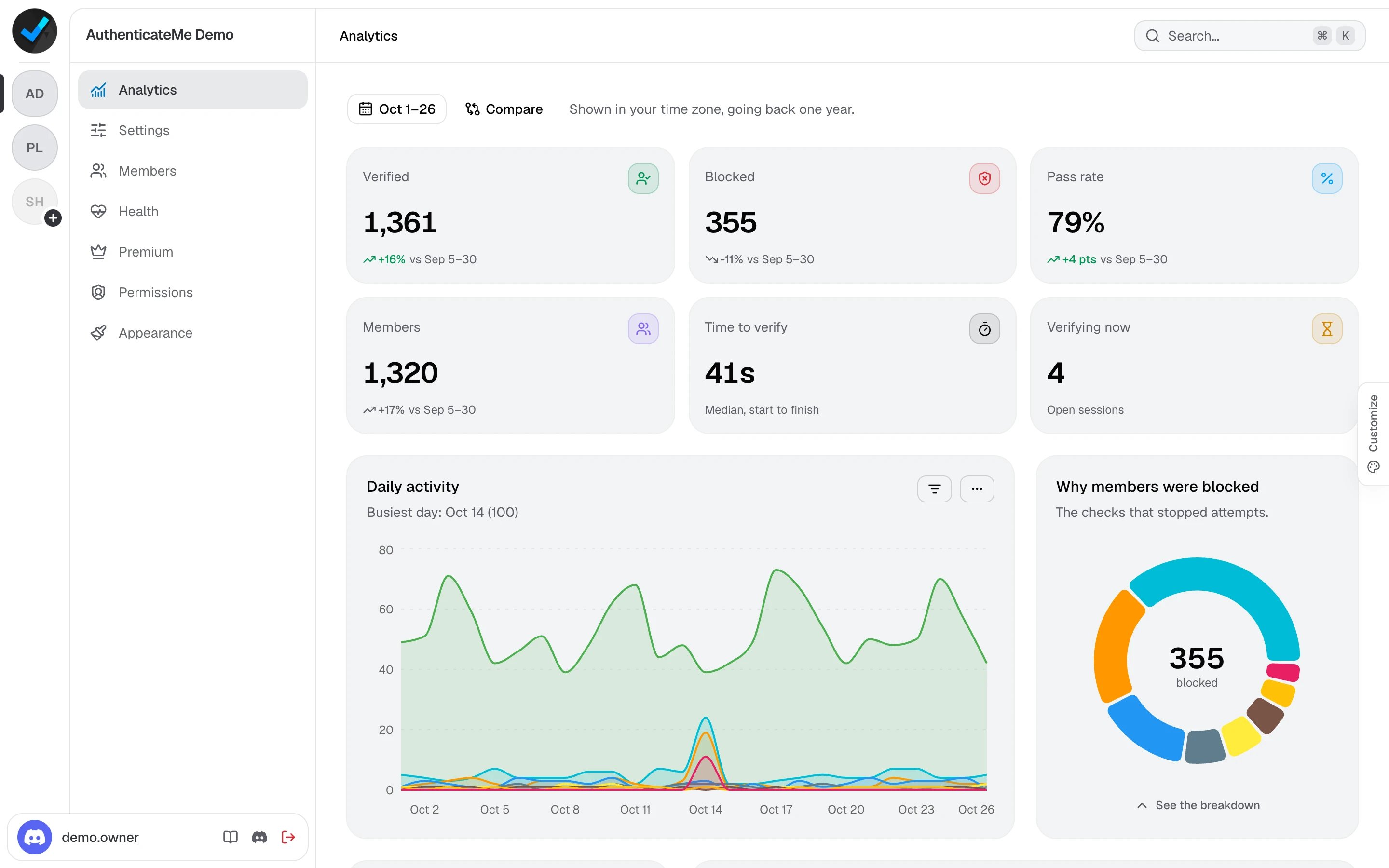
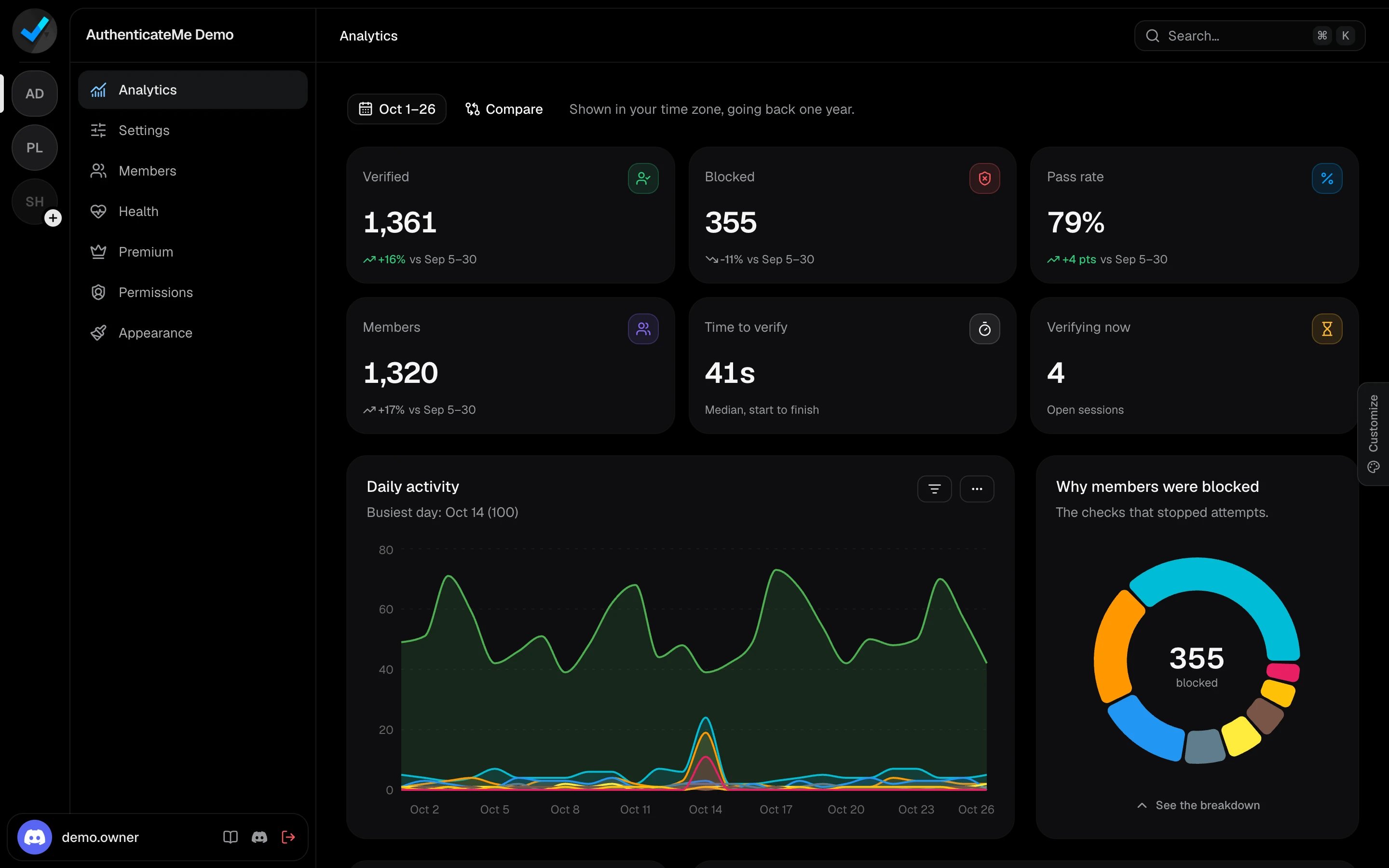
Pick a date range
Click the date button at the top. Choose a preset such as Last 7 days, This month, or Last 12 months, or pick a start and end date on the calendar. The page opens on This month. Click Compare to compare with an earlier period, such as the Previous period or the Previous month. Every card then shows how much it changed.Summary cards
Charts
Daily activity
Daily activity
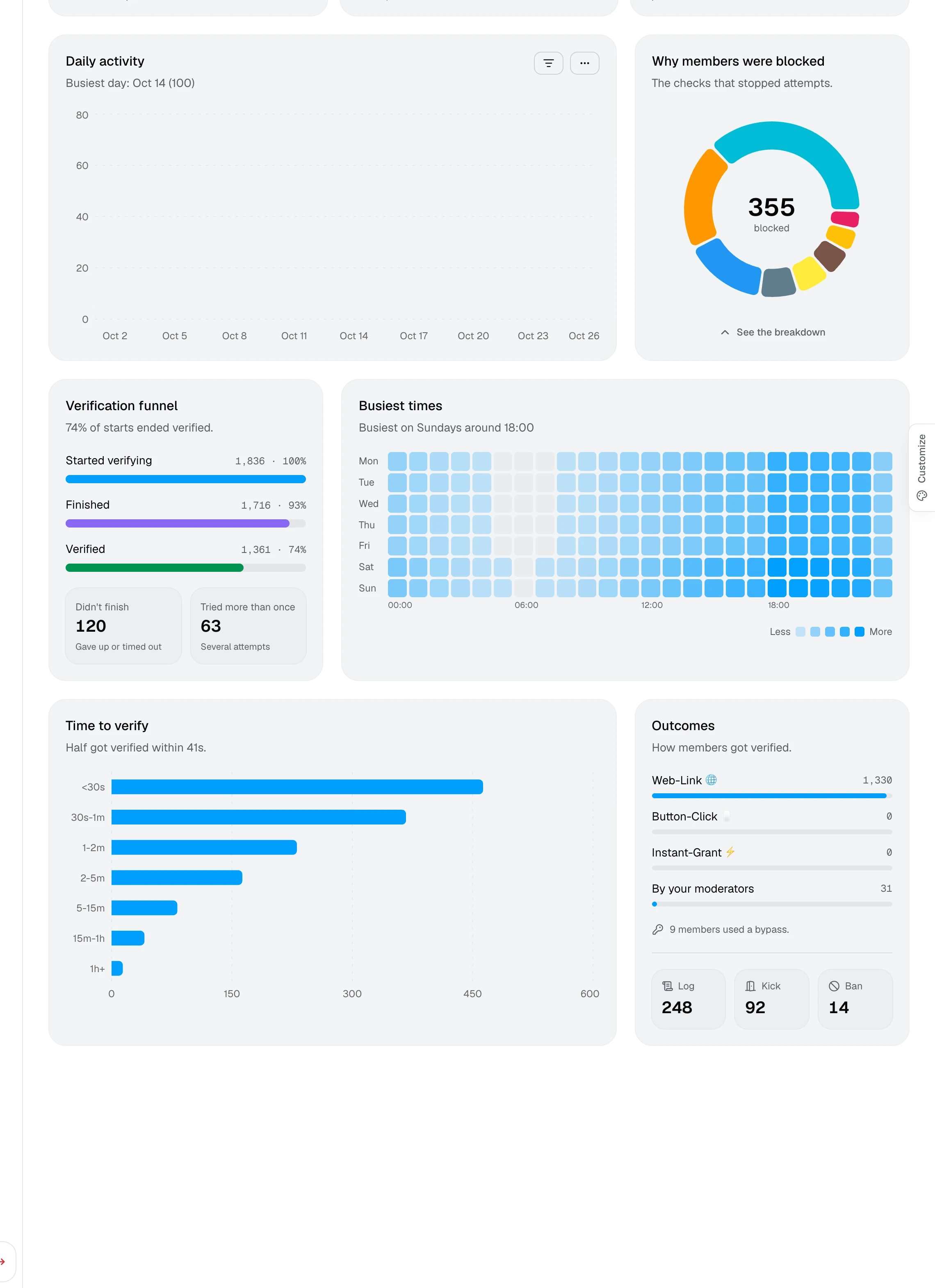
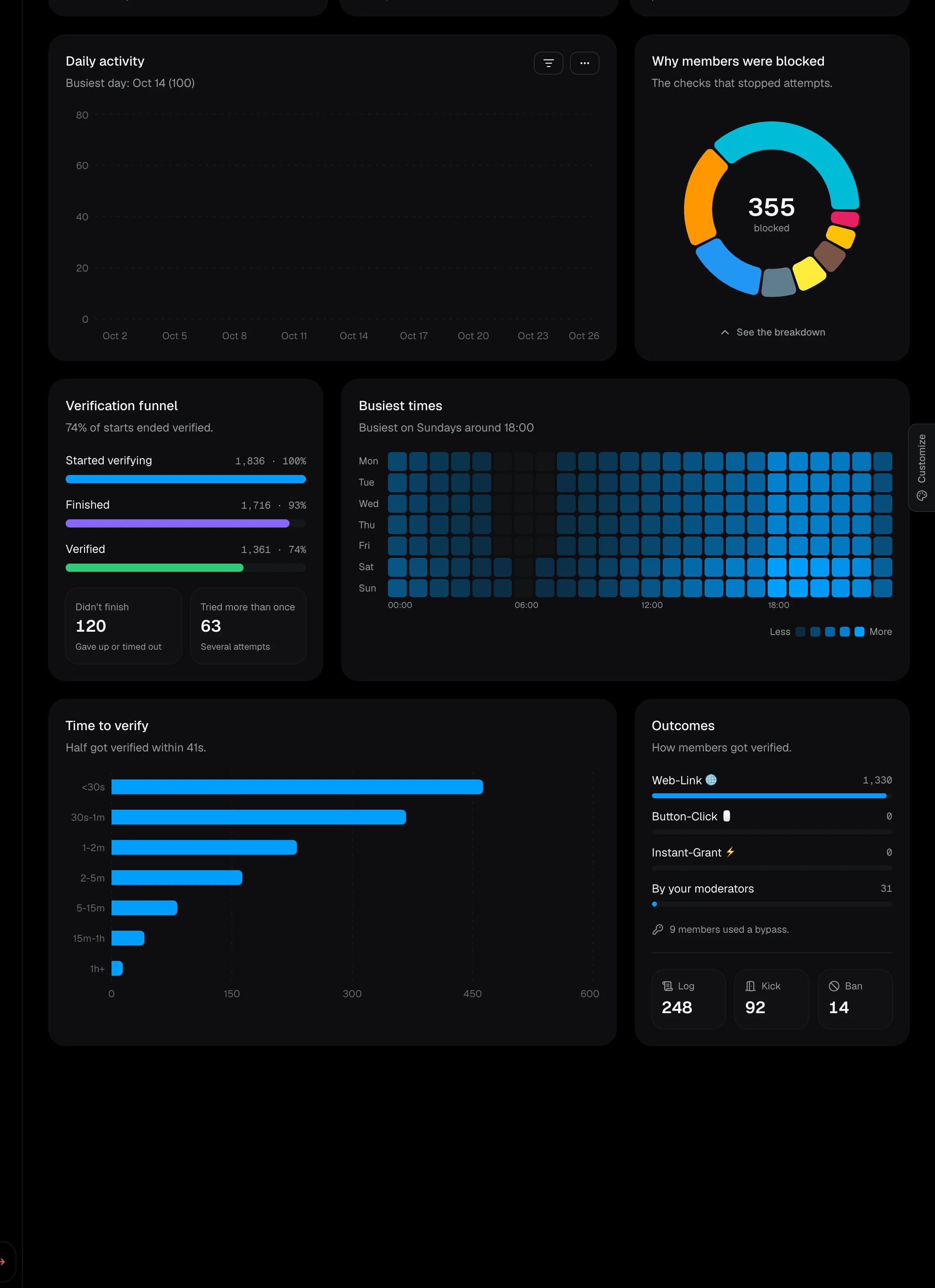
Verified and blocked members for each day. Use the filter button to show or hide each check, and the menu to switch between an area chart, a bar chart, and the daily pass rate. The description names your busiest day.
Why members were blocked
Why members were blocked
Which checks stopped the most attempts. Click See the breakdown for a ranked list.
Verification funnel
Verification funnel
How many members started verifying, finished, and got verified, plus how many didn’t finish and how many tried more than once.
Busiest times
Busiest times
A heatmap of verifications by day of the week and hour, so you know when your moderators are needed most.
Time to verify
Time to verify
How long members took to get verified, from under 30 seconds to more than an hour.
Outcomes
Outcomes
How members got verified, by mode or by your moderators, how many used a bypass link, and how many attempts were logged, kicked, or banned.