
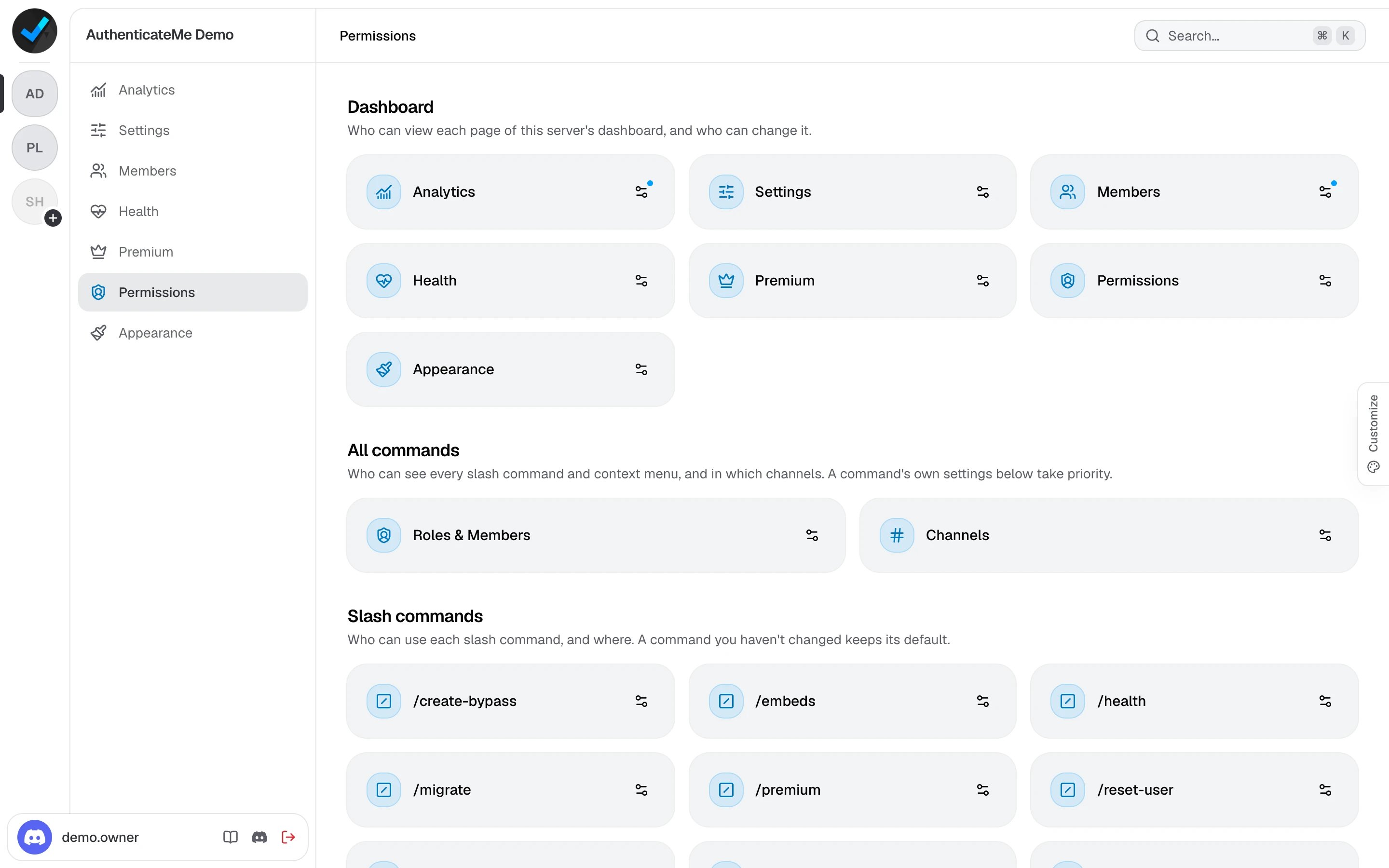
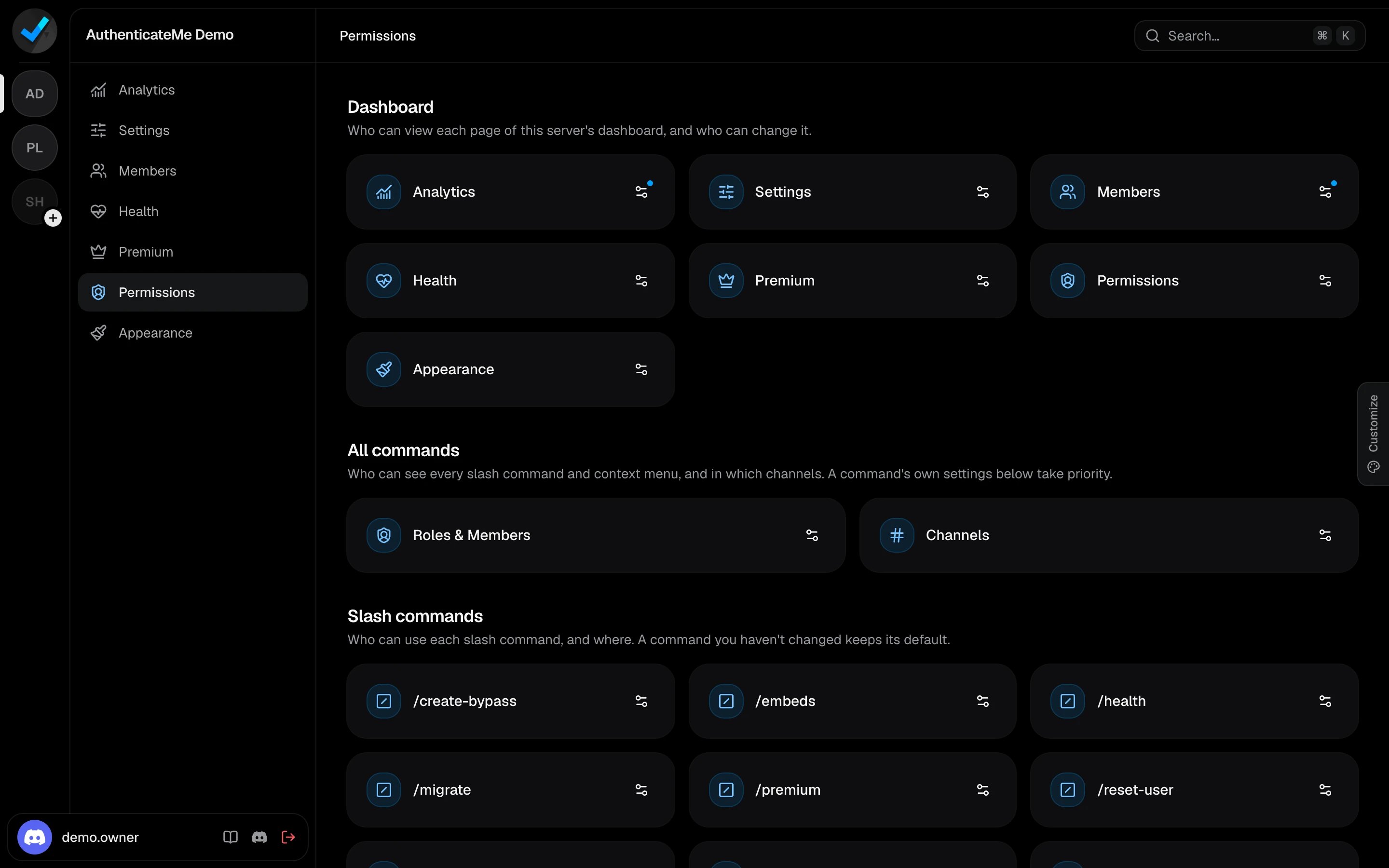
The server owner and members with Administrator can always open every page and use every command, so nobody gets locked out.
How access is decided
Each page and command has a list of required permissions, plus optional overrides that allow or block specific roles, members, or@everyone. AuthenticateMe checks them in the same order Discord does.
- An override for the member decides first.
- Then their roles. If any of their roles is allowed they’re in, and otherwise a blocked role keeps them out.
- Then an override for
@everyone, if there is one. - Finally, the member needs every required permission.
Dashboard pages
Click the button on a page’s card to change who can view it and, for pages with settings, who can edit it. Being able to edit a page also lets you view it.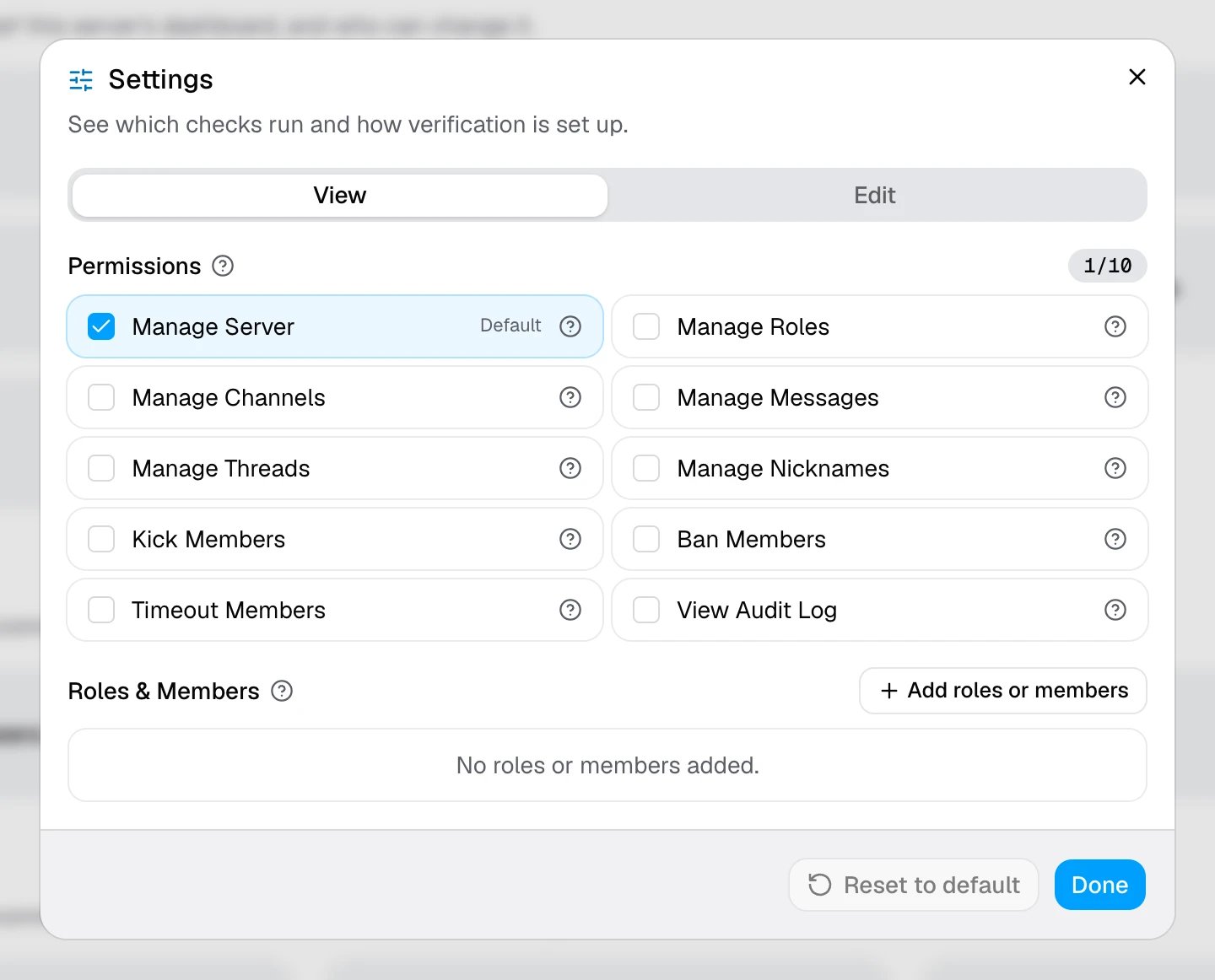
A server shows up in someone’s dashboard as soon as they can view one of its pages.
Commands
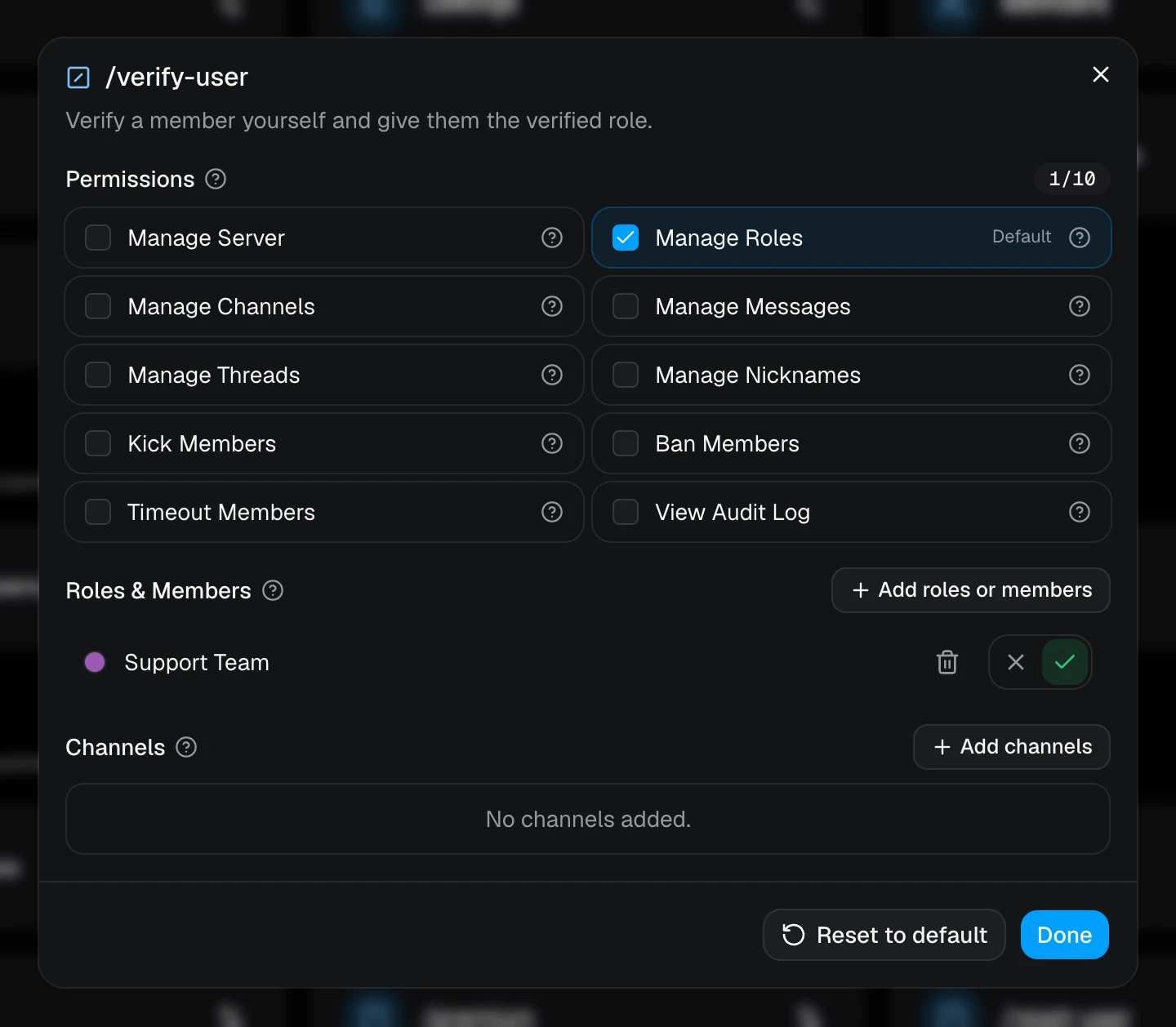
AuthenticateMe’s commands show up for everyone in Discord, but only members with access can run them. Others get a private “You don’t have access to this command” reply.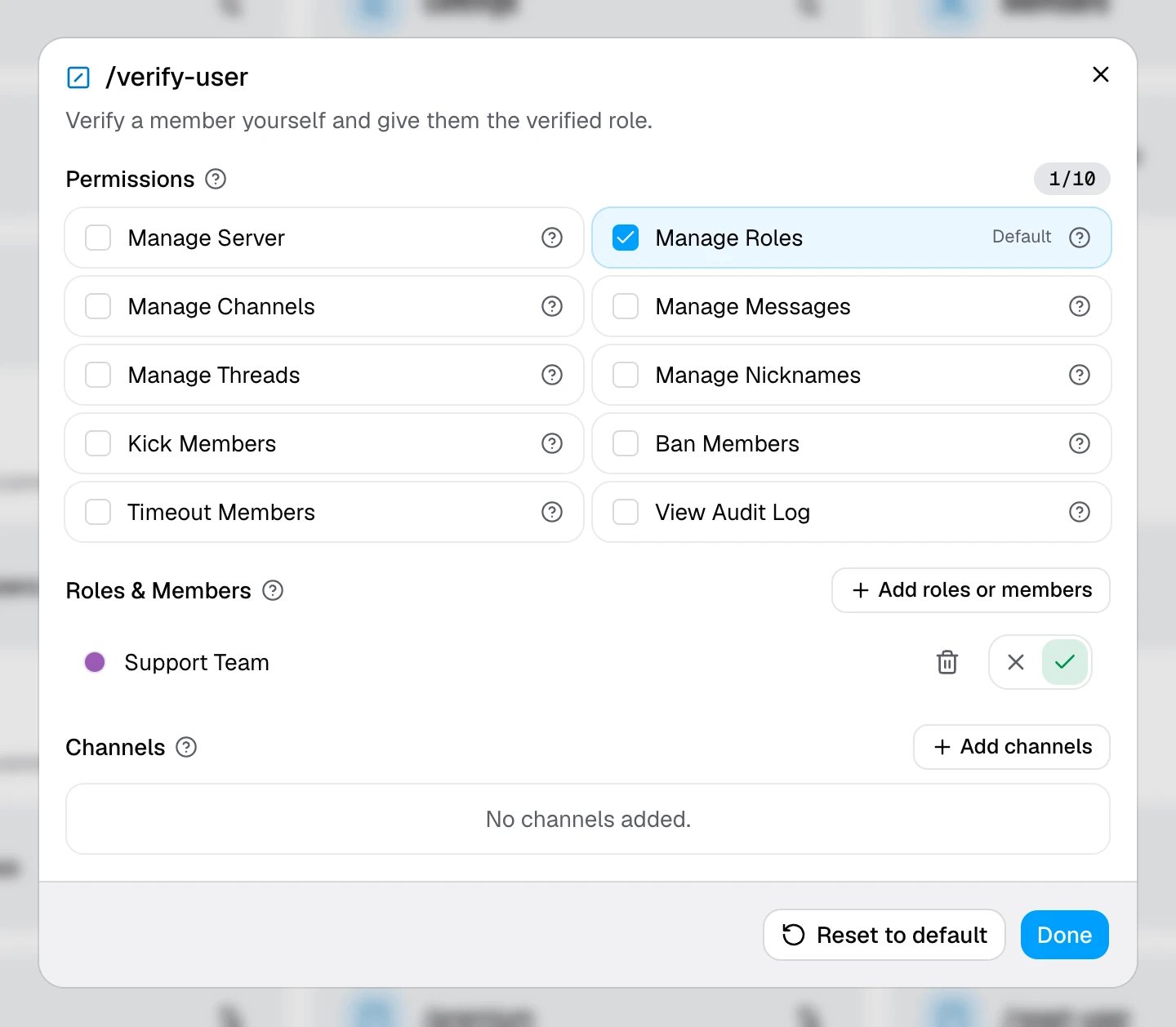
/help and /ping can be used by anyone.
Command overrides are Discord’s own command permissions, so they stay in sync with Server Settings → Integrations → AuthenticateMe. A change on either side shows up on the other. Command cards can also allow or block channels.
The All commands section holds the app-wide overrides from that same Integrations page. They decide who can see the commands in Discord, but they never skip a command’s required permissions.
Saving command permissions writes them to Discord with your own account, so it needs the permission you granted when signing in. If the page asks you to sign in again, do that before changing commands.