
Block VPN
Block members using a VPN from verifying.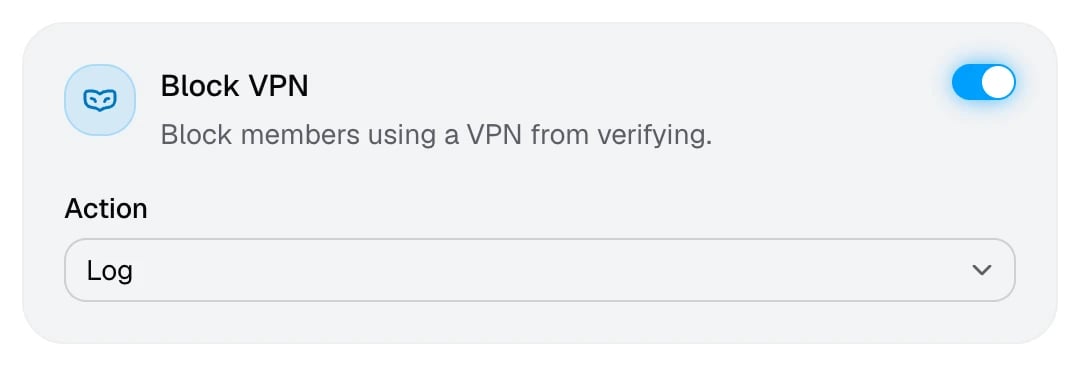
VPNs and proxies let people hide who they are, which makes it easy to dodge a ban or create alt accounts. This check flags connections that come through a VPN or a proxy.
Some legitimate members use a VPN for privacy, and iCloud Private Relay counts as one too. If that’s common in your community, use Log or give those members a bypass link. Members who get caught can follow VPN detected.
Block Mobile Data
Block members on mobile data from verifying.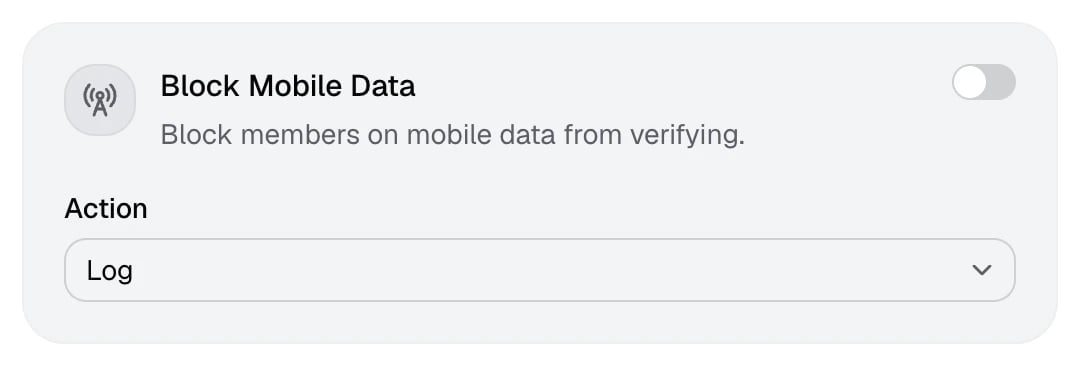
Mobile networks hand out new IP addresses all the time, so they’re a cheap way to look like a different person. Blocking them closes that gap, but it also blocks members who only have mobile internet. Members who fail are asked to verify from a Wi-Fi connection.
GeoGate
Choose which countries members can verify from.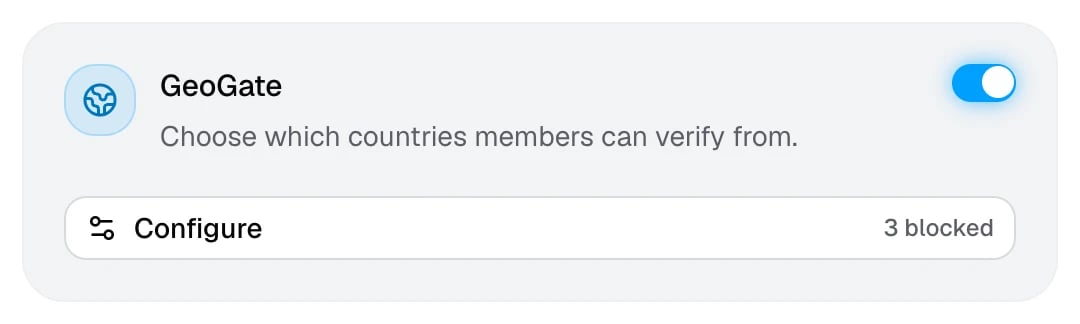
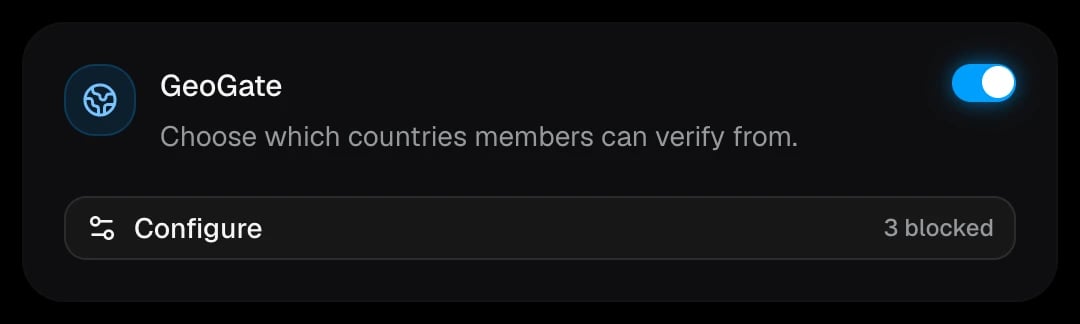
GeoGate filters members by the country they verify from. Use it to keep out regions your server gets raided from, or to run a server that’s only open to one country.
Set up GeoGate
1
Turn on GeoGate
In Settings → Network, switch on GeoGate and click Configure.
2
Choose a list type
Blocklist
Members from the selected countries can’t verify.
Allowlist
Only members from the selected countries can verify.
3
Pick countries
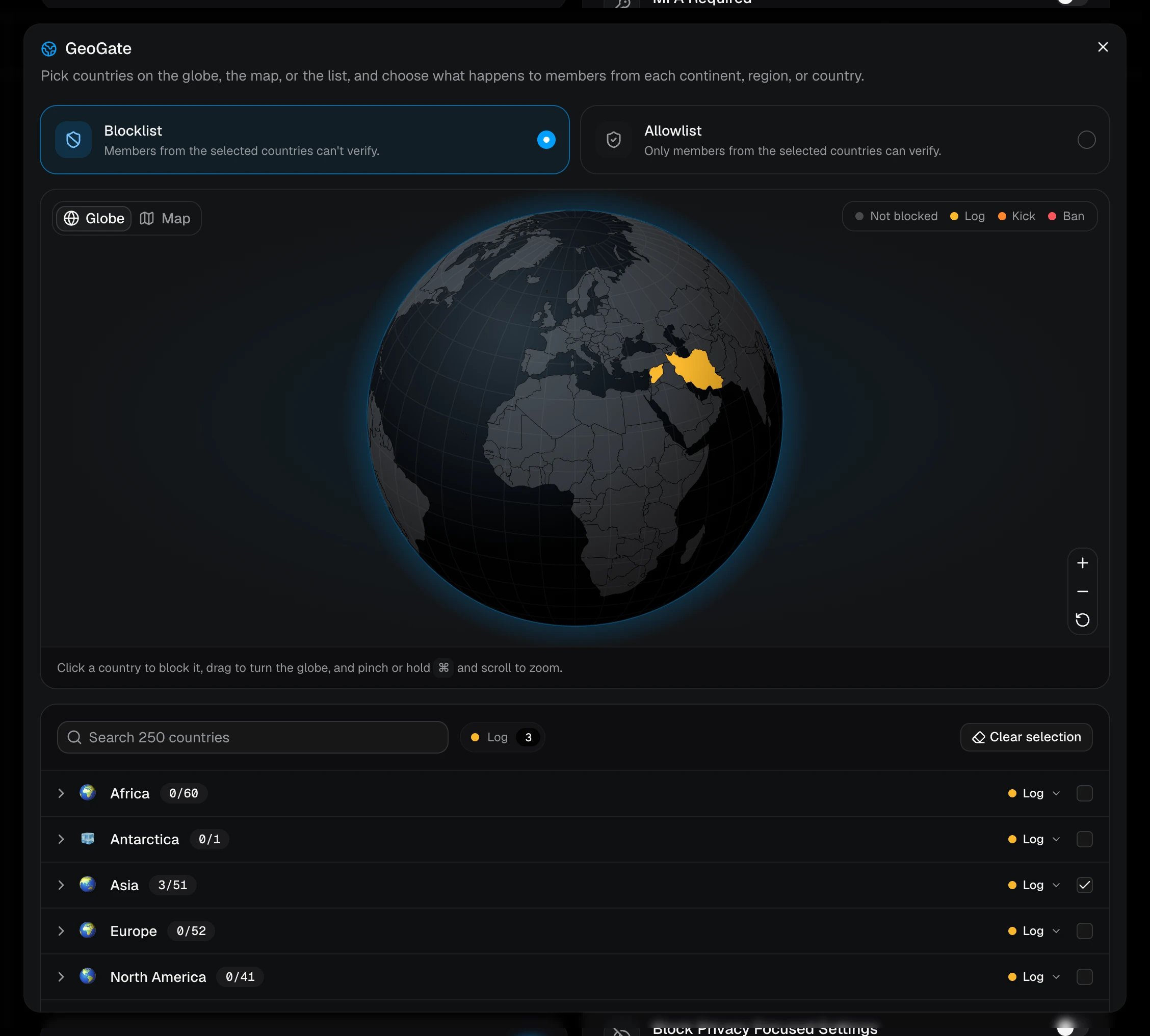
Click countries on the Globe or the flat Map, or tick them in the list below it. You can search all 250 countries and territories by name, or tick a whole continent or region at once.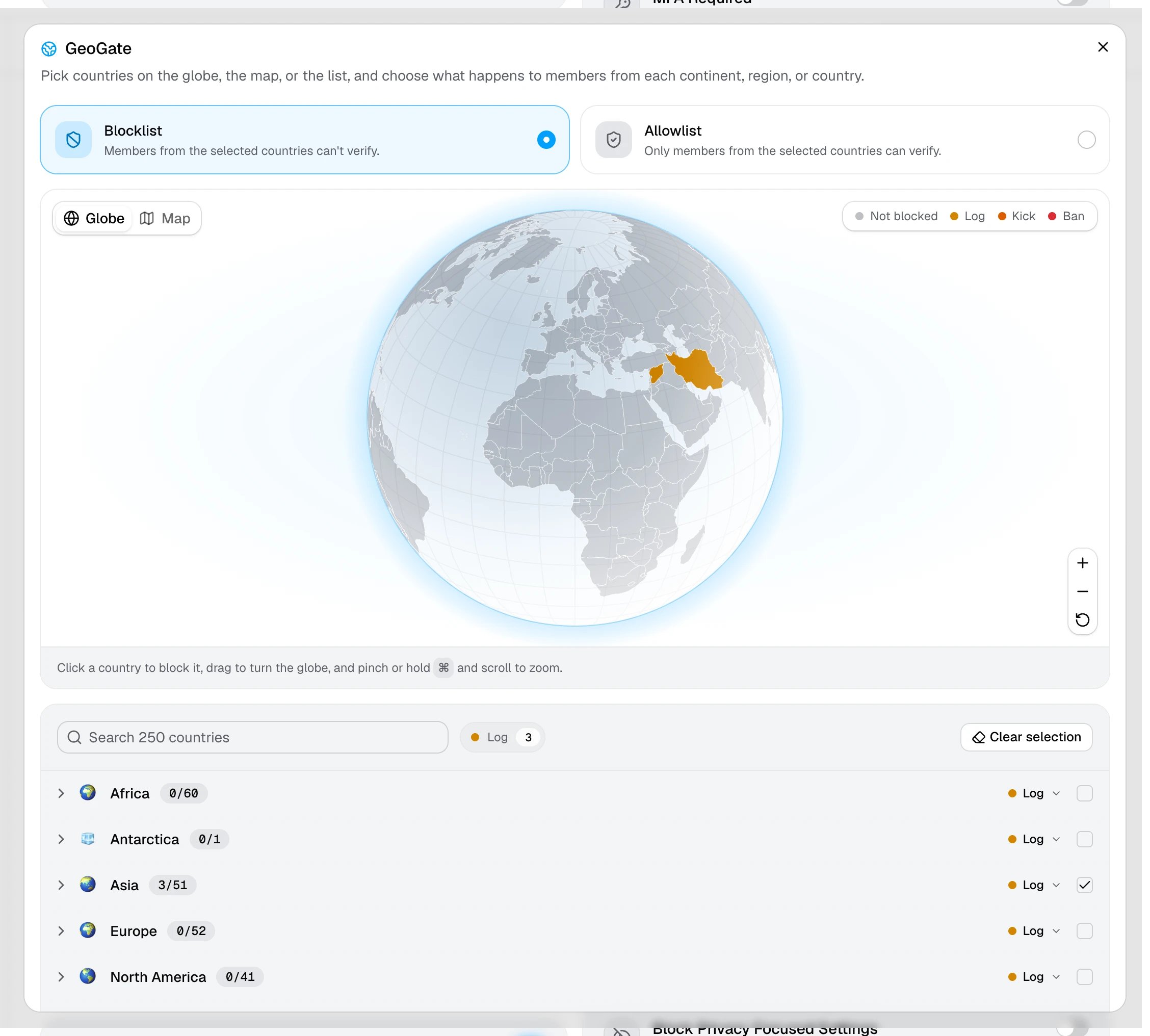
4
Choose the actions
Each continent has its own action, which is Log, Kick, or Ban. Expand a continent to set a different action for one of its regions or countries. The colors on the globe show the action each country gets.
5
Save
Close the window, then click Save changes. The GeoGate card shows how many countries you’ve picked.
Which action applies
When a member is caught, AuthenticateMe uses the most specific action you’ve set. A country’s own action comes first, then its region’s, then its continent’s. For example, with Europe set to Log and Russia set to Ban, a member verifying from Russia is banned, while a member from any other blocked European country is only logged.What members and staff see
Members who can’t verify from their country see “This server doesn’t allow verification from your country”, whether you use a blocklist or an allowlist. To protect their privacy, the log never shows a member’s country. It only shows whether the server uses a blocklist or an allowlist, and which action was taken.The country comes from the member’s IP address. A VPN can make someone appear to be somewhere else, so pair GeoGate with Block VPN.