
- All good
- Something to fix
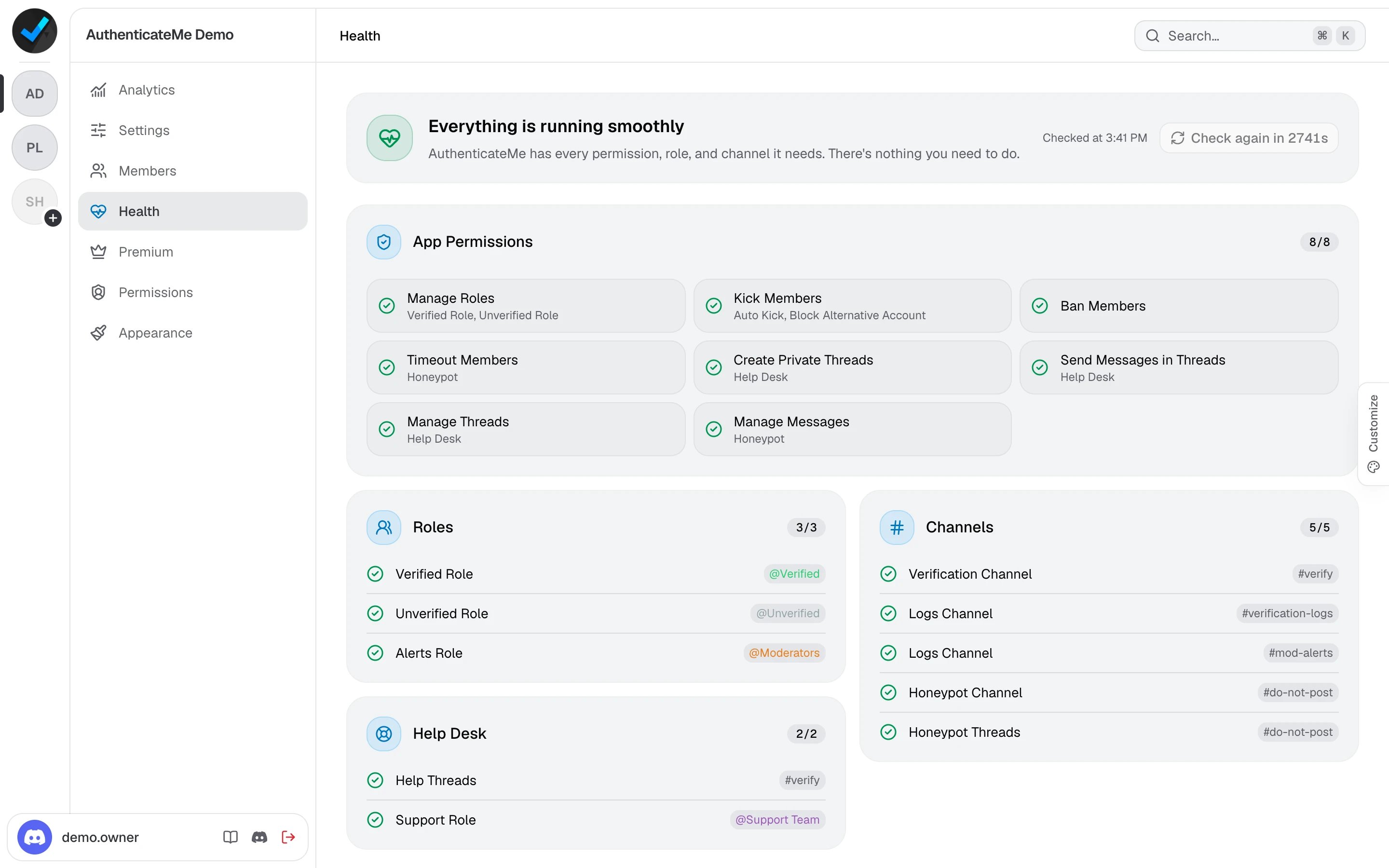
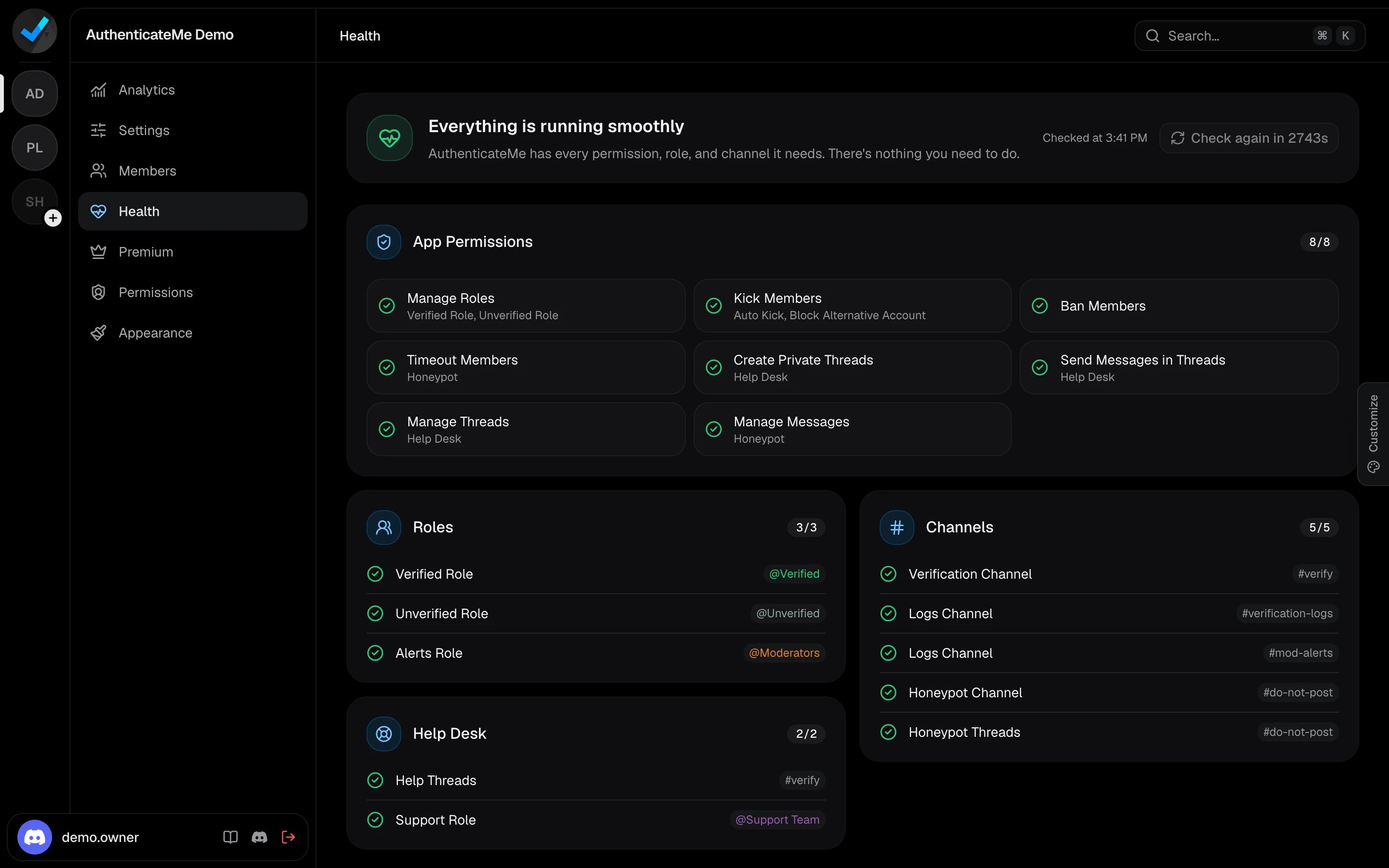
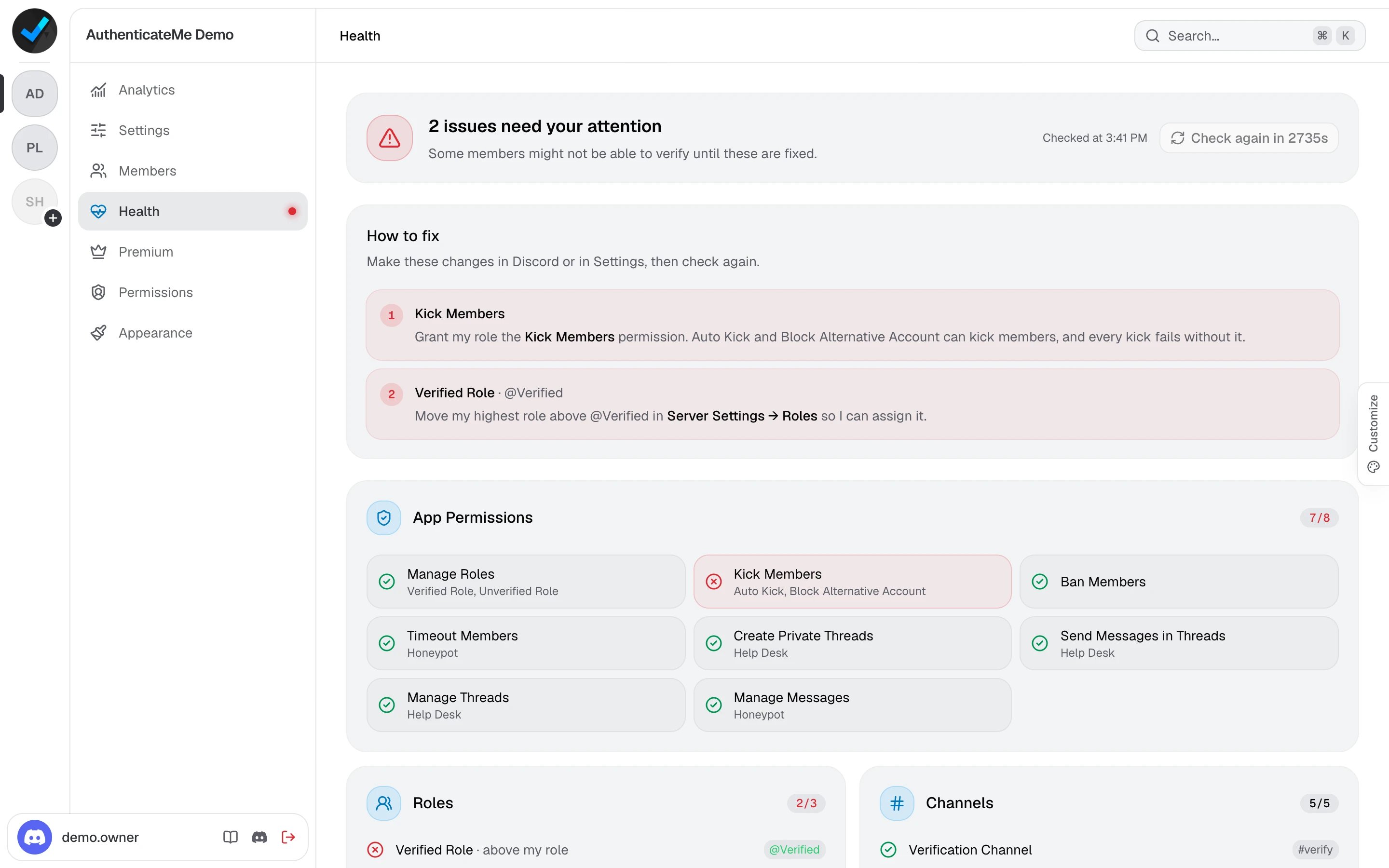
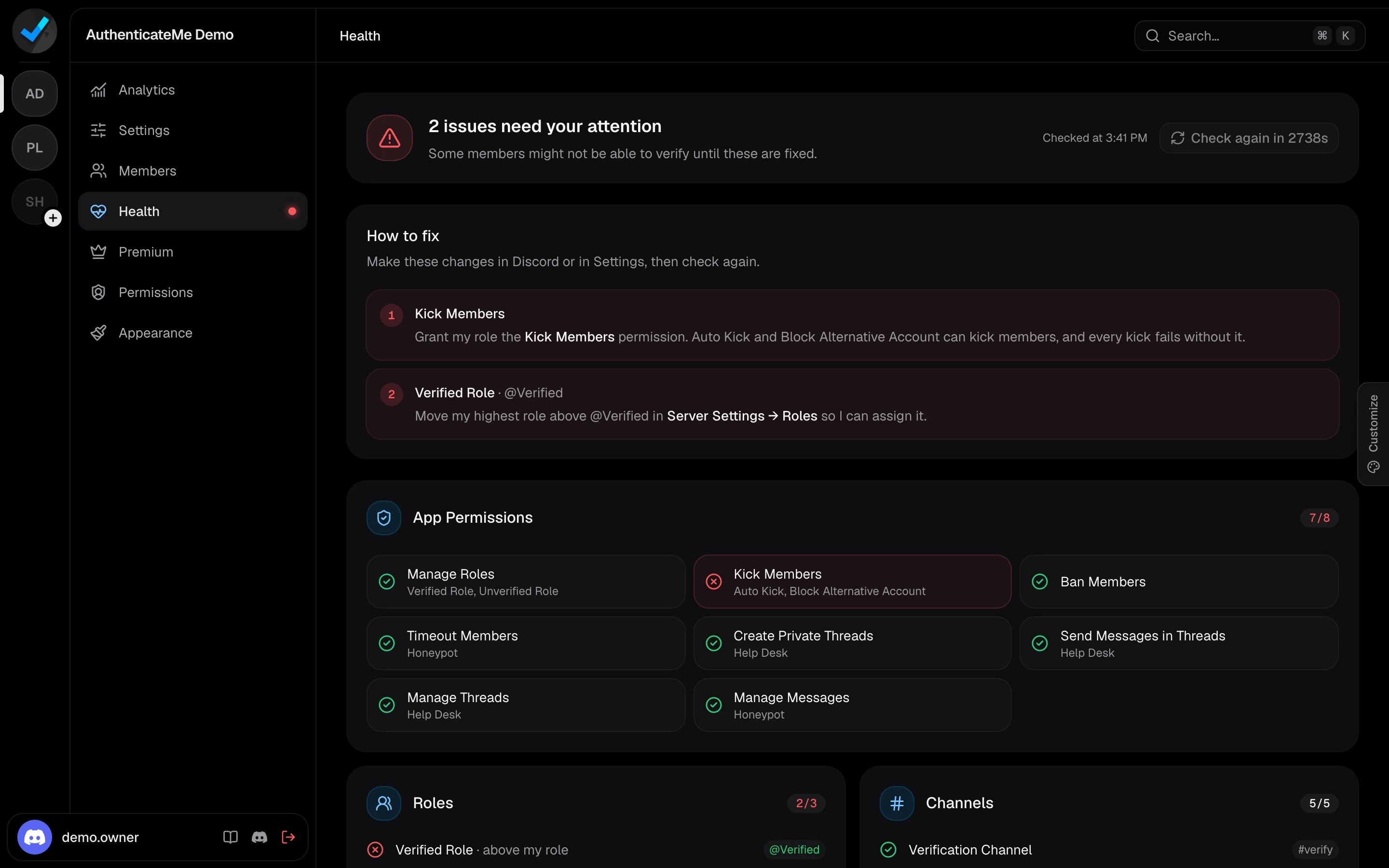
What it checks
App Permissions
App Permissions
The server-wide permissions your settings need, such as Manage Roles for the Verified Role, Kick Members for Auto Kick and kick actions, and Ban Members for bans. With the Help Desk or the Honeypot on, it also checks the permissions they need in their channels. If AuthenticateMe has Administrator, it already has all of them.
Roles
Roles
The Verified Role, the Unverified Role, the Max Verifications role, and the Alerts roles. Each one has to exist, can’t be
@everyone or a role managed by another app, and has to sit below AuthenticateMe’s highest role. Alert roles also have to be mentionable.Channels
Channels
The verification channel, every logs channel, and the Honeypot channel. AuthenticateMe needs View Channel, Send Messages, and Embed Links in each. In the Honeypot channel,
@everyone must not be able to create or post in threads.Help Desk
Help Desk
The verification channel has to be a text channel, and the Support Role has to exist and be mentionable.
In Discord
Run/health for the same report as a private message. It can be run once a minute.